Imagine
Name the transformation you want. A document can become a checklist, a meeting can become decisions, a sketch can become an interface, and a workflow can become automation.


How To Talk To Computers
Computers used to ask people to adapt to menus, commands, files, search boxes, apps, and programming languages. Talking Computers let people begin with intent. The skill is learning to imagine useful transformations, speak clearly with context, and listen critically so the next interaction improves.
Name the transformation you want. A document can become a checklist, a meeting can become decisions, a sketch can become an interface, and a workflow can become automation.
Give the computer the goal, context, constraints, source material, examples, output shape, and criteria for what good looks like.
Evaluate what came back. What did it understand, miss, assume, or invent? Decide what should be revised, verified, saved, or turned into a repeatable workflow.
People learned the machine's structure: menus, commands, folders, apps, search syntax, and specialized workflows.
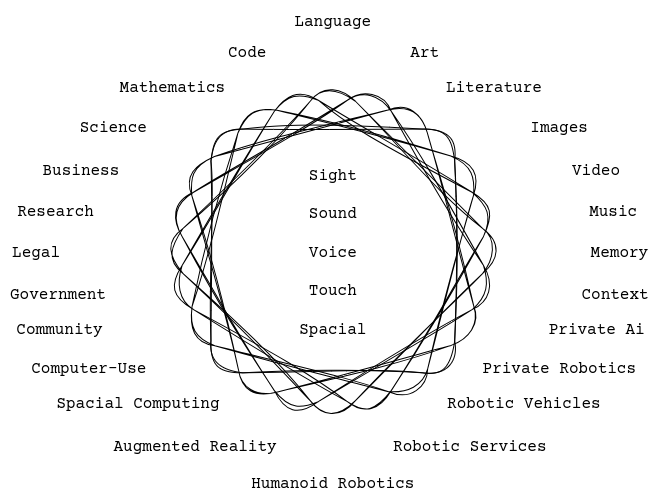
Language becomes a semantic router. Text, voice, images, code, documents, memory, space, and tools can translate into one another.
The person still supplies intent, taste, judgment, context, ethical boundaries, and final responsibility.
Offer
$250 per person
2 hours. AI literacy for the next interface paradigm: intent, context, review, workflow.
Mental model: what Talking Computers are, what they are good at, where they fail, and why language is becoming a control layer.
Imagine practice: map useful transformations across documents, decisions, research, communication, automation ideas, and team workflows.
Speak practice: turn intent into clear instructions with goal, context, constraints, examples, format, and review criteria.
Listen practice: evaluate outputs for assumptions, omissions, evidence, hallucinations, privacy, quality, and accountability.
Workflow practice: convert useful interactions into reusable prompts, checklists, SOPs, saved examples, and team habits.
O.A.K. connection: decide where information lives, what tools touch it, and how AI outputs are saved, reviewed, and kept.
Training path
01
Understand what Talking Computers are, what they are good at, where they fail, and how language becomes a control layer.
02
Practice framing goals, context, constraints, examples, source material, desired format, and success criteria.
03
Ask for assumptions, method, uncertainty, sources, and checks. Treat explanations as review artifacts, not literal access to private reasoning.
04
Convert useful interactions into repeatable prompts, checklists, SOPs, saved examples, and team practices.
O.A.K. connection
O.A.K. keeps the information system legible. How To Talk To Computers teaches people how to use the new interface. Everything Everywhere shows why that interface matters beyond chat: it connects documents, tools, media, memory, space, and machines.
Next step
Bring the actual workflows, documents, tools, and decisions your team needs to improve.